
How to Search Cases by Name
One box handles both names and case references in the TnCIS Court Case Search. Official help suggests typing a full first and last name. Only the first ten words count. Terms get normalized, though quotation marks preserve phrase order. Remember that every Hickman County case lookup needs at least one court office selected. Each office choice matters.
- Clear broad office choices and select Hickman County Circuit Court, General Sessions, or both.
- Enter the full party name in Party Name / Case Reference. Do not combine it with a competing case-number query.
- Add Case Year when the name is common; it generally means the filing year.
- Complete the anti-automation checkbox, click Find Now, and compare court, year, number, type, and party role.
- Use the result Filter only after rows load, then open the best-supported match.
| Field Label | Type | Required | Use |
|---|---|---|---|
| Party Name / Case Reference | Text | Alternative | Full name or known reference |
| Case Year | Number | No | Narrows by filing year |
| Case Number | Number | Alternative | Final numeric portion |
| Court office | Selector | Yes | Choose Hickman office coverage |
| Match all | Checkbox | No | Starts with stricter term matching |
Hickman Case Search Office Choice
Two Hickman County offices are selectable in TnCIS right now: General Sessions and Circuit Court. That is no all-court county mirror. Dana Nicholson, the Circuit Court Clerk, handles Circuit and Criminal routing. Loren Roberts, the Clerk and Master, keeps the Chancery and probate records. Centerville municipal citations belong to City Court Clerk Robyn Russell, and juvenile access follows separate confidentiality rules.
Pick the Circuit office first for a felony or Circuit matter. General Sessions covers limited civil cases, misdemeanors, arraignments, and many county traffic matters. Divorce, estate, guardianship, conservatorship, and equity cases go to the Clerk and Master. The court printed on your citation, pleading, or notice is the best venue clue. Search the wrong office and you may see no row at all, even when a public Hickman County case exists.
How to Search by Case Number
A case number is usually the strongest identifier. TnCIS help shows the generic example 99GS1-2023-CR-12345 and tells the user to enter only the numeric portion after the final hyphen in the Case Number field. So the portal query for that example would be 12345. Do not treat the full prefix as a verified Hickman County code; it is not one.
Choose the right Hickman County court office before entering that final number. Add the filing year if the results need narrowing, then check the returned office, year, case type, and parties against your source document. A transferred or appealed case can carry a new number or a cross-reference. When the history shows a move, search both the originating and receiving courts.
Note: Use the number printed on the Hickman County notice or pleading; the county publishes no current local case-number legend.
Hickman Search Controls Work Differently
The public search mixes several matching tools. "Match all" is not the Filter box. Portal help warns that with Match all checked and few results, the system may drop a term from the end to widen the net. So a broad returned set still needs narrowing by office, filing year, number, or careful row comparison.
- Phrase search
- Quotation marks preserve word order while ignoring case and some soft separators.
- Typo tolerance
- Longer terms may allow near matches, but a near match is not proof of identity.
- Filter
- A literal live match against text already present in the loaded result table.
- Sort
- A column header sorts ascending on one activation and descending on the next.
Only the first ten words of the name or reference query count toward the search limit. Case year, case number, and Match all do not count. Official help also discourages partial first names. Before concluding nothing else exists, always clear the Filter.
What a Case Search Shows
Read a Hickman County case search as an index and a chronology. How much detail appears depends on the office and your access level. A row may lead to docket entries, settings, financial fields, or document identifiers. But an entry naming an order is a reference, not the signed order itself.
| Case Number | The assigned reference used to connect the docket and later filings. |
|---|---|
| Court Office | The Hickman County venue that maintains the indexed matter. |
| Style / Parties | The formal caption and public party roles where released. |
| Filed Date | The date the matter opened, distinct from its latest event. |
| Status | An open, closed, disposed, or other system label that must be read with entries. |
| Settings | Scheduled events and reset history when the public view exposes them. |
| Disposition | The recorded outcome or closing treatment, not a substitute for the final order. |
Costs and balances may appear in financial fields where released. A clerk fee schedule is a separate record entirely. Scanned pleadings and detailed "Rule Docket Entries" can depend on subscription or court participation, so do not assume public document depth.
Hickman Case Search Portal Limits
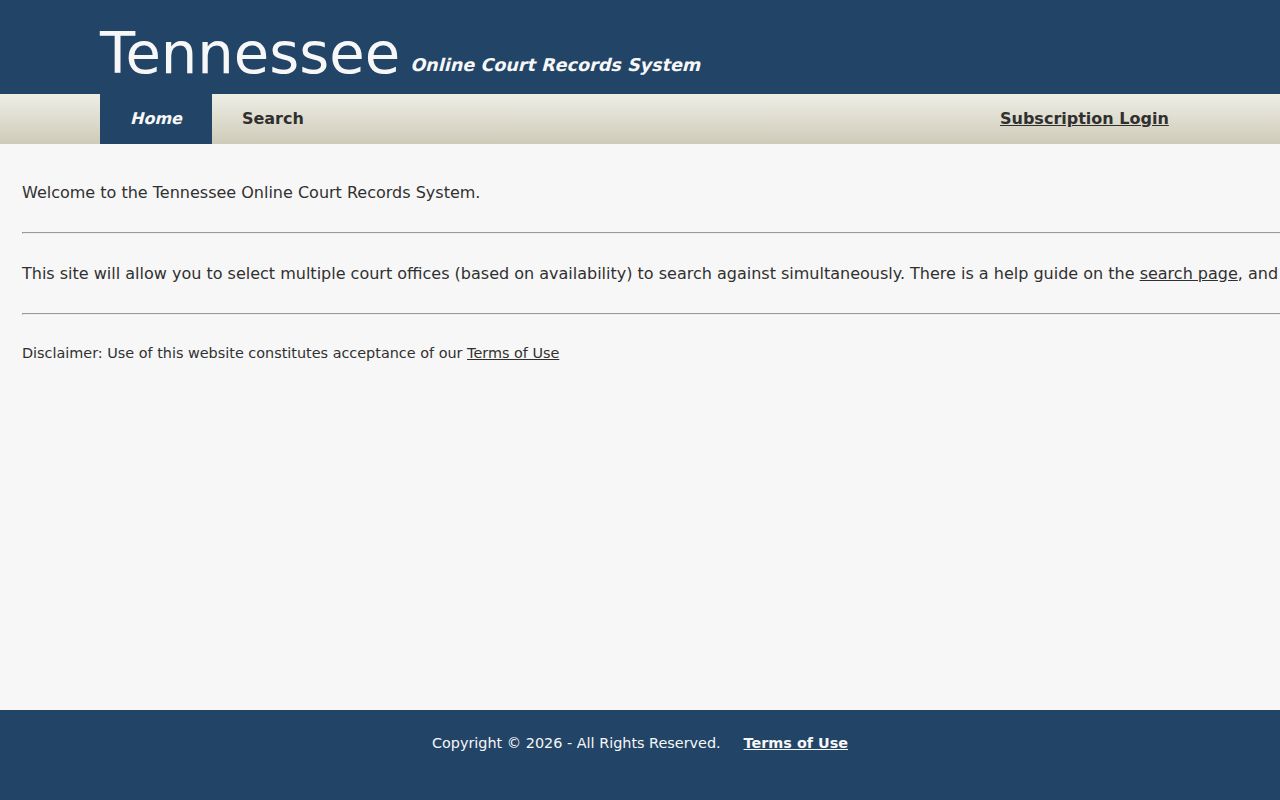
The official public portal landing page names Tennessee Online Court Records as the starting layer for participating offices. Its screen offers a quick visual check before any search begins.
Results top out at 2,500 rows in TnCIS. Hitting that ceiling does not prove every match came back. Narrow the Hickman County office, year, name, or number. The county publishes no official refresh schedule or first-online year, so "current online index availability" is safer language than claims of live completeness.
County vs Statewide Case Search
TnCIS lets you select offices across Tennessee, yet the useful local search stays office based. A statewide sweep helps when you are unsure of the county. Once a notice names the venue, a Hickman-only search works better. Neither one replaces the clerk file or a certified copy.
| Access Layer | Coverage | Best Use |
|---|---|---|
| Multi-office TnCIS | Selected participating Tennessee offices | Uncertain county or cross-county inquiry |
| Hickman TnCIS | Visible Circuit and General Sessions choices | Known local case in those offices |
| Clerk file | Public records held by the responsible custodian | Documents, older files, missing index material |
| Certified copy | Authenticated item supplied by the clerk | When formal proof of the record is needed |
The appellate Public Case History system is separate. It covers appellate case numbers, styles, parties, and organizations. It does not substitute for the Hickman County trial docket.
Hickman Search Help Narrows Results
The official TnCIS Search Help covers office selection, name syntax, case-number entry, matching, and the result cap. The page is worth a look whenever a query behaves differently than expected.
Complete the anti-automation box before Find Now will enable. Save Court Office Selection keeps chosen offices in the browser; Clear Court Office Selection wipes them. No workaround is worth attempting. Desktop view may handle the long office list and result table more easily, and the portal offers no official mobile application.
Restricted Cases and Access Rules
Public inspection is the default under Tennessee Supreme Court Rule 34, subject to exceptions that law or court rule creates. So not every Hickman County docket row will look the same. Juvenile files, sealed material, protected identifiers, and redacted case records often behave differently from an ordinary adult public docket. When a search returns nothing, that alone does not prove no case exists.
Ask the clerk what portion of the court docket is open, and if you are turned away, ask for the legal basis and whether a redacted version can be released. Tennessee Rule of Civil Procedure 1A starts from openness for civil records and allows sealing only under its stated test. Adoption material, some domestic information, sealed exhibits, and juvenile records can each carry their own limits. The TnCIS terms page sets out the portal's conditions, and it makes clear that anything in a public index should still be confirmed with the official custodian of the court records.
Hickman Case Search Offline Paths
No row in the index does not mean no case. Try the other likely Hickman TnCIS office first, then call the right clerk. Circuit and Criminal requests go to Dana Nicholson at 931-729-2211. Chancery and probate belong with Loren Roberts at 931-729-2522. For General Sessions, dial 931-729-3074, and for Centerville Municipal Court, 931-729-5588. Once the office confirms its current method and fee, mail or email may work. That applies to a specific copy request.
Older court records survive in many forms. Bound volumes, loose paper, scans, and microfilm all exist in Hickman County. The Tennessee State Library and Archives lists Hickman Circuit minutes from 1841. Chancery minutes begin in 1854. Both run long, through 1994. That list is only a finding aid. Ask the current custodian where the record lives and in what format.
Make each request precise. State the court and the case number. Add the document or date range. Include the copy type, the delivery method, and your contact details. Under Tennessee public-record practice, the custodian does not have to build a new report for you. Looking at a court docket is generally free. Copies, labor, storage, delivery, or certification may carry a lawful charge. The fuller Hickman County court record search covers document requests once a case is located.